AI Clothes Changer
One photo is all it takes: try a ready-made look, upload a piece you love or describe your style in a sentence — see it on you in seconds, still unmistakably you.
AI clothes changer: before & after
Presets, clothing references and text descriptions all change what the person in the photo is wearing. The examples below show how each one works — real results depend on the photo you upload.
Pick a preset: a casual look turns into a party outfit
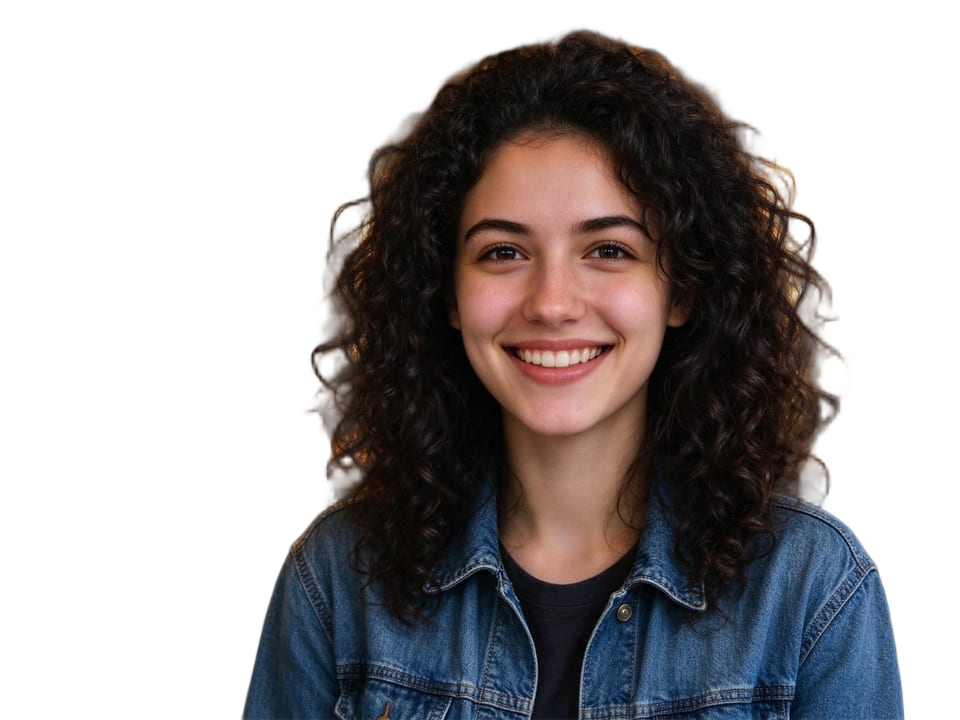
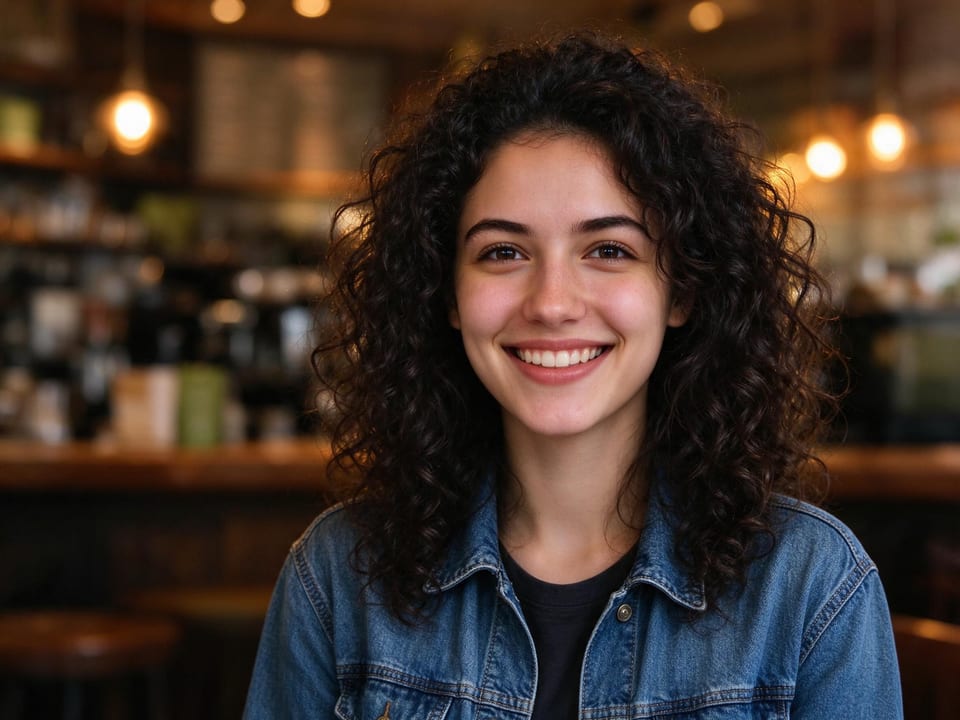
The same person in a plain tee becomes a sparkling sequin look in one click. Face, hairstyle, pose and the room around her stay exactly as they were.
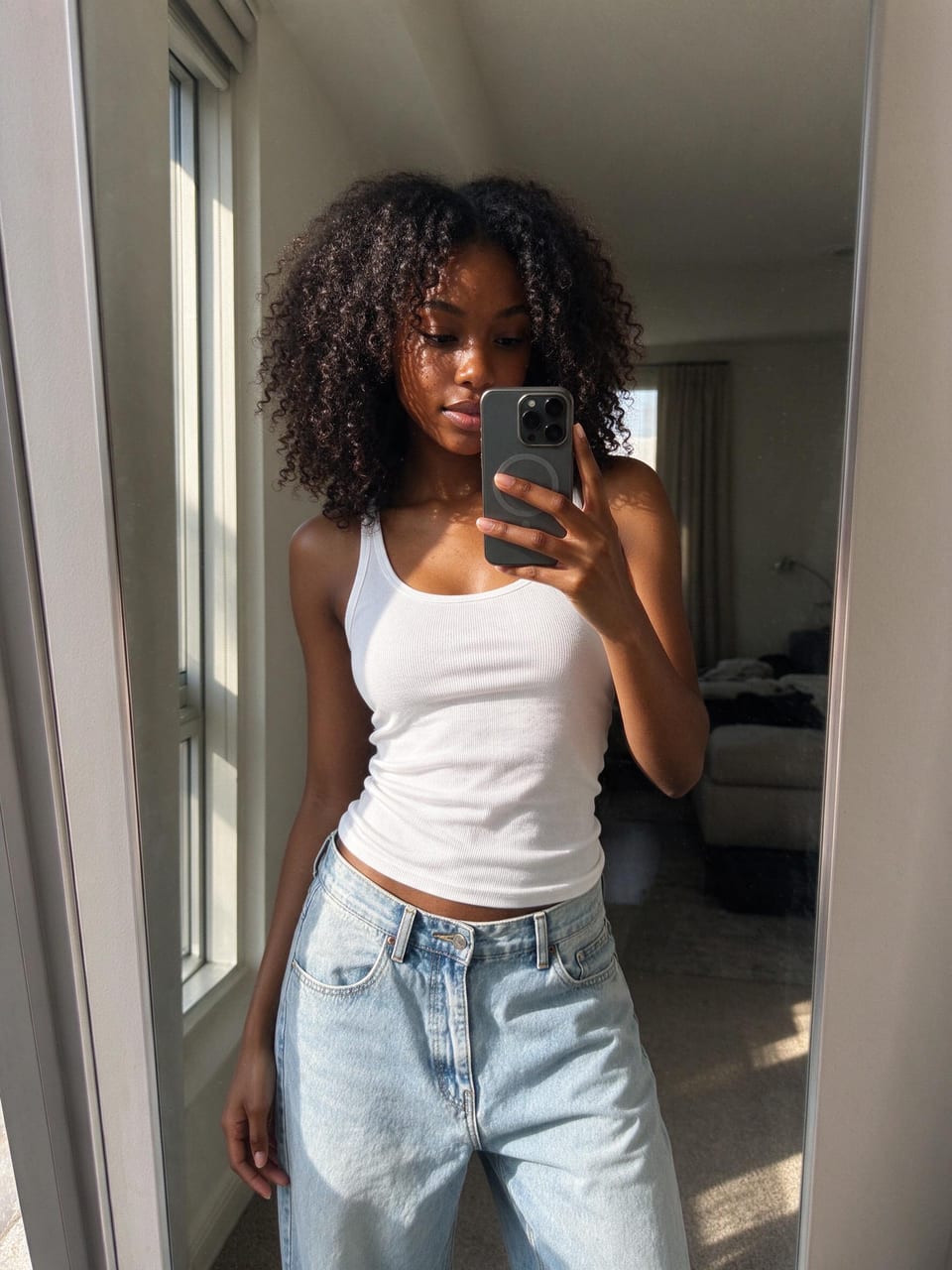 Original
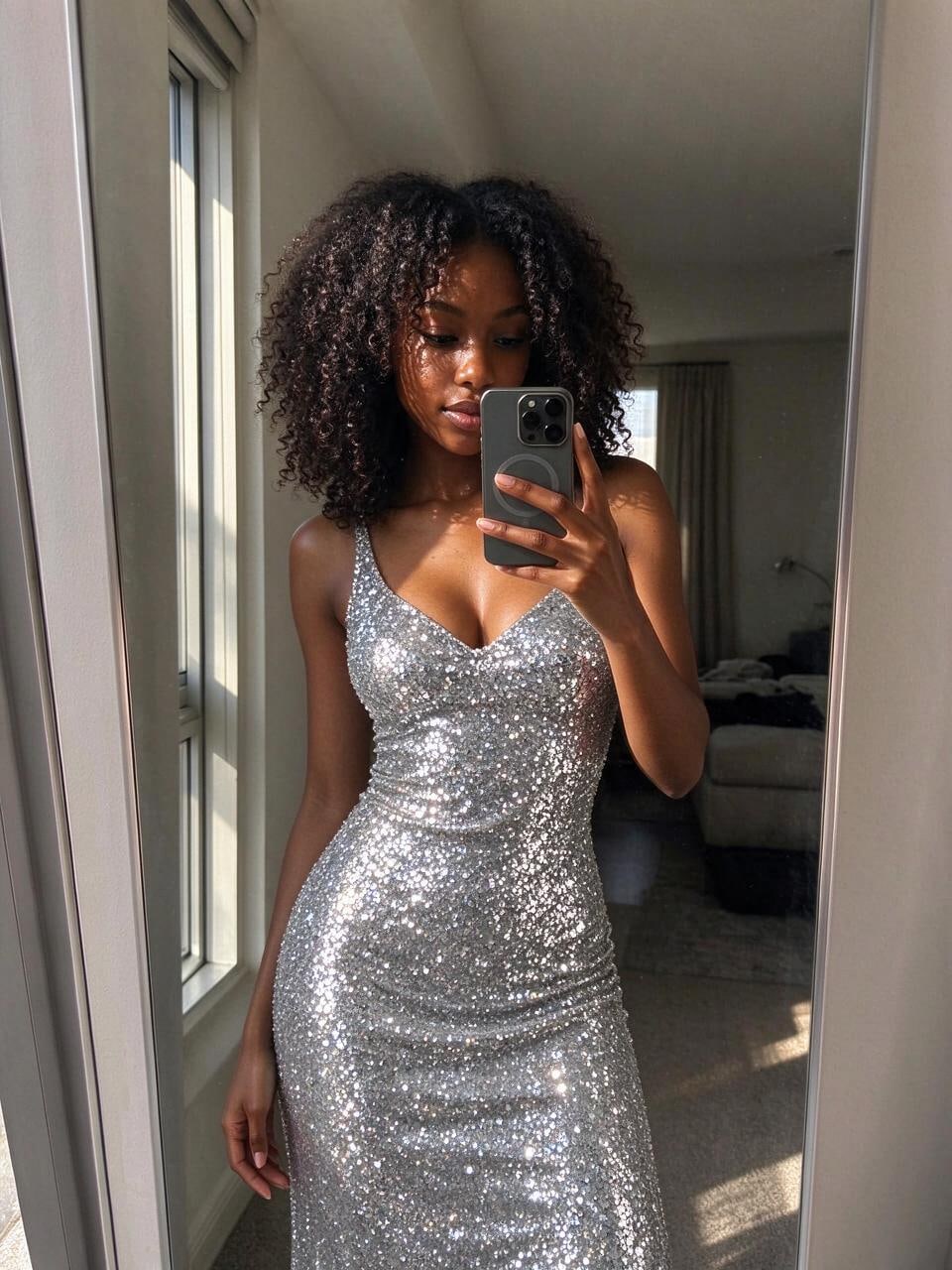 Result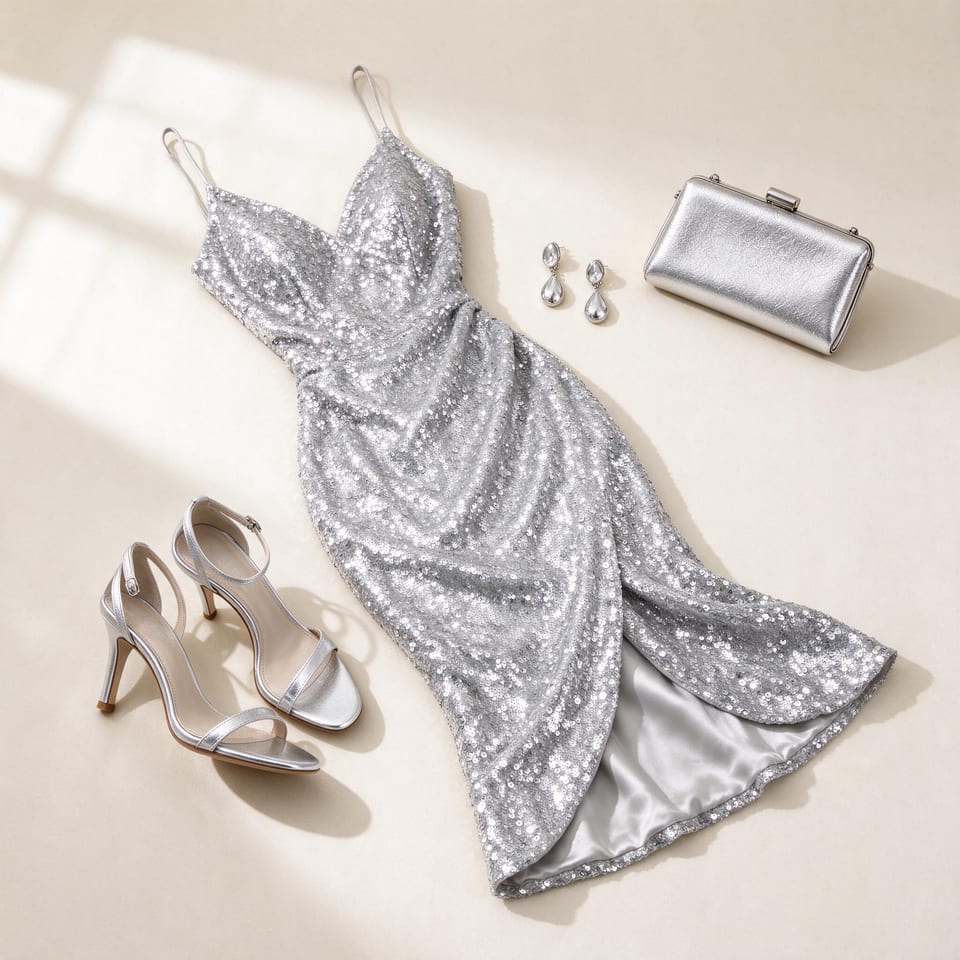
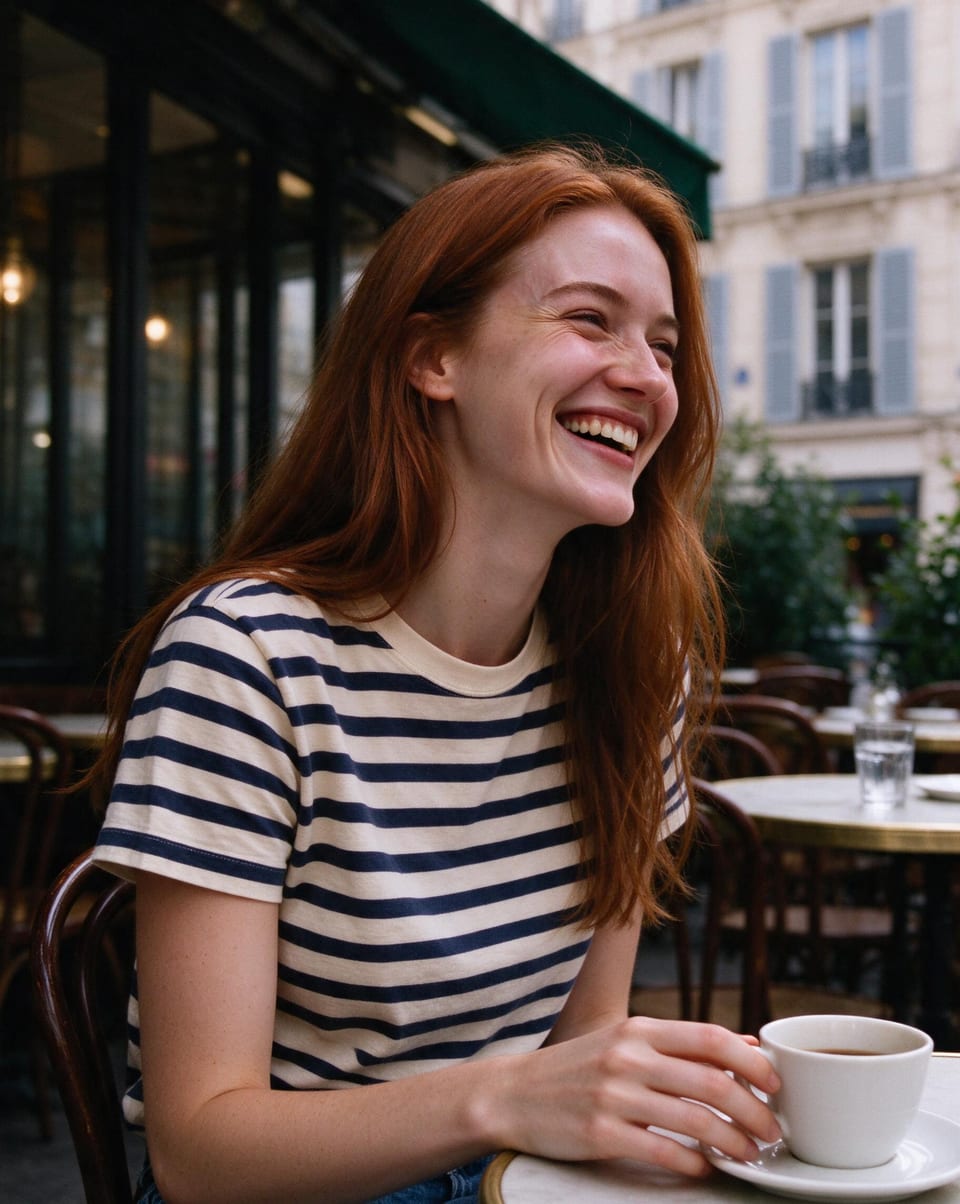
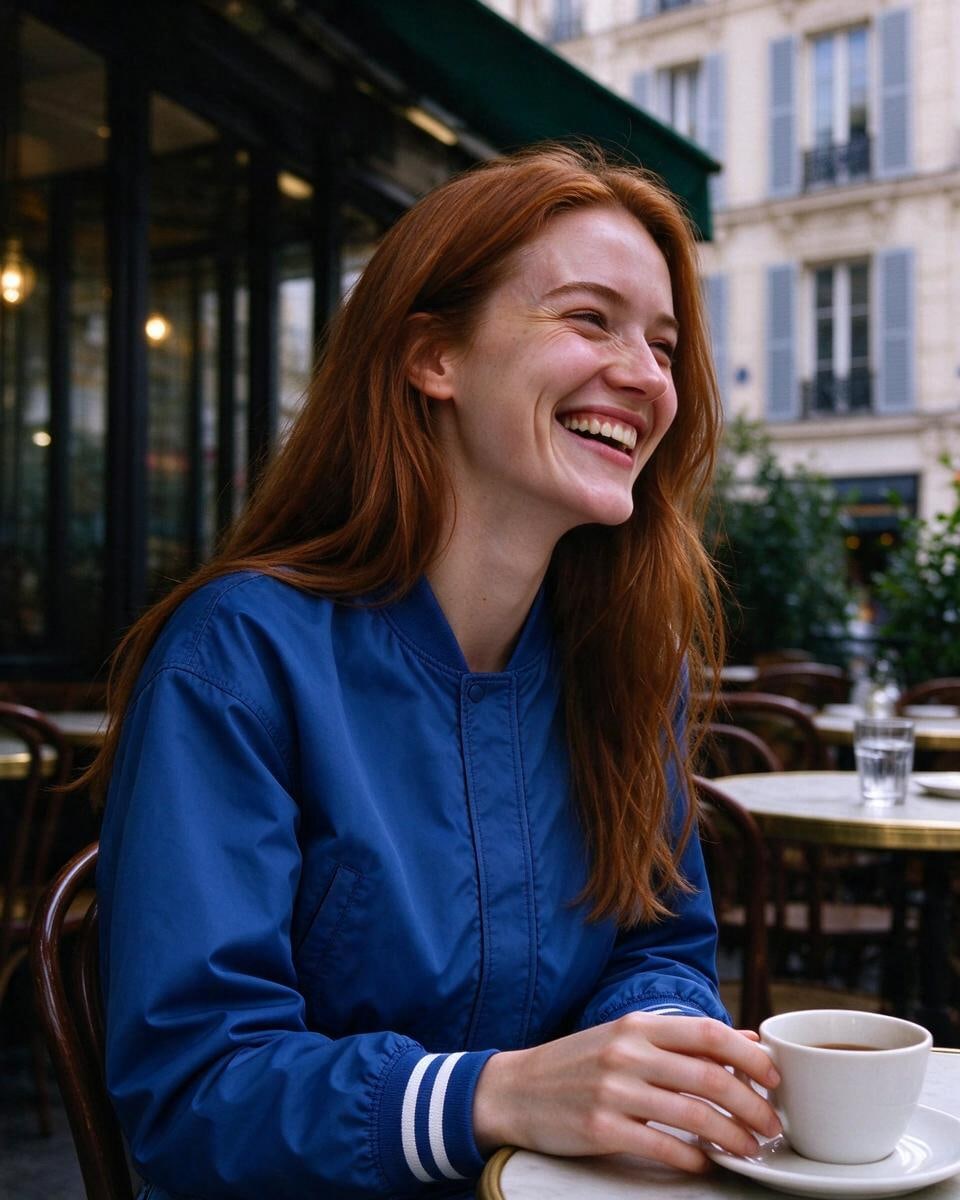
Upload a clothing image and try it on
Upload a flat-lay or product photo and the AI dresses the person in it, following the garment's cut, colour and material.
 Original
 Result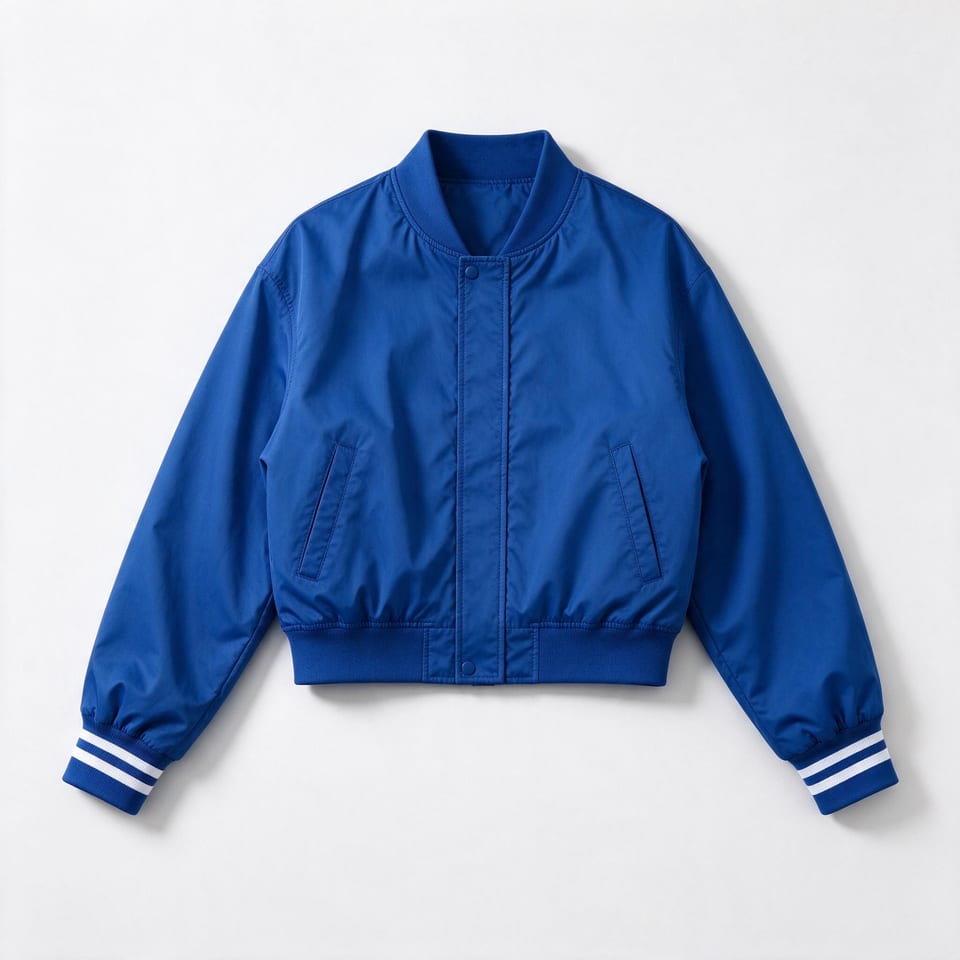
Describe the outfit in words
Type the clothes you want — a vintage brown suede jacket over a cream polo, for example — and the AI changes only the outfit while keeping the person and the scene.
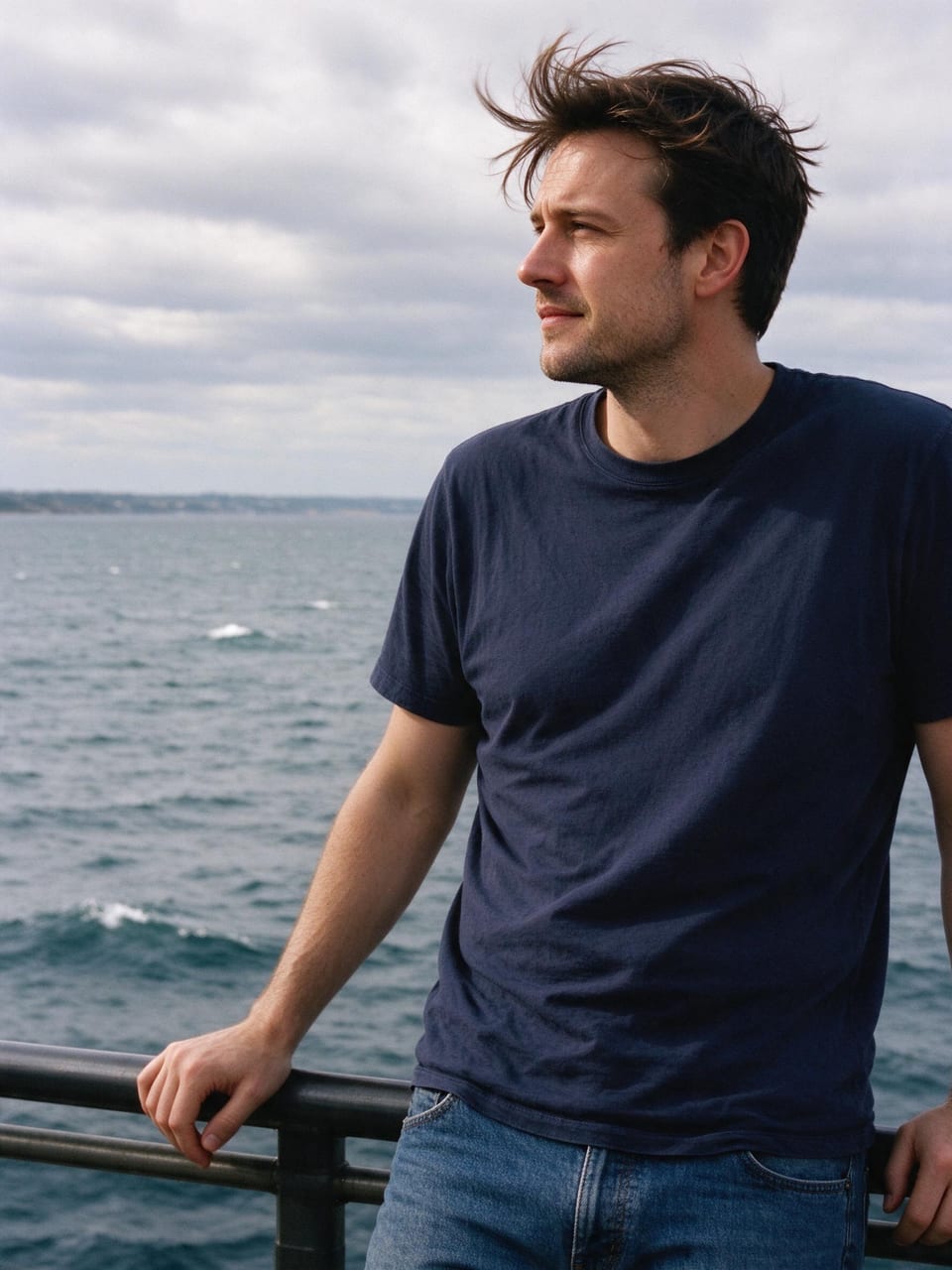 Original
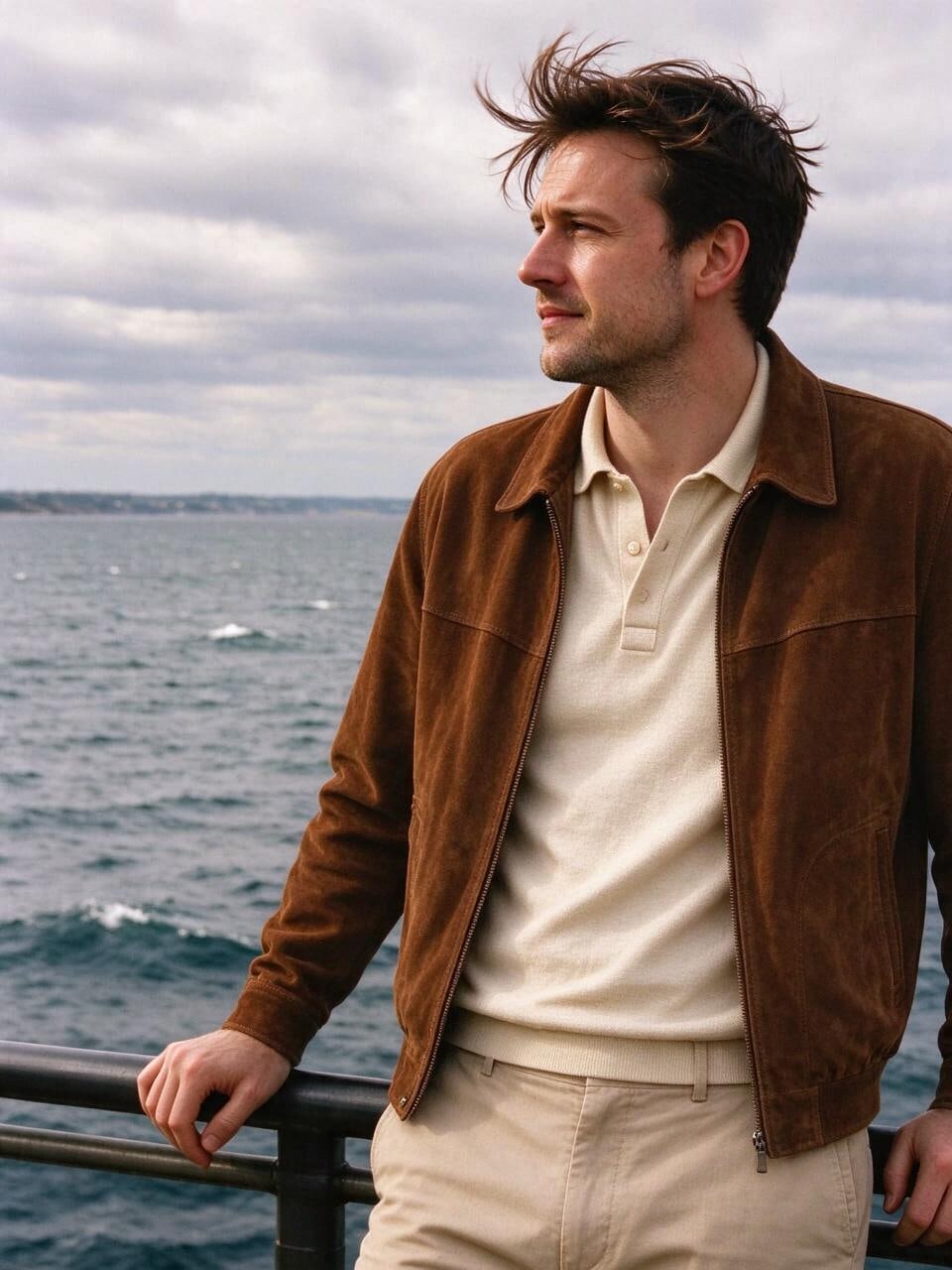 Result
Change clothes in a photo in three steps
Upload a photo of a person, then choose a preset, upload a garment or describe the look you want.
Upload a person photo
A clear, well-lit photo where the clothes are visible works best.
Choose the outfit
Pick one of 9 preset looks, upload a garment image, or describe the clothes in words.
Generate and download
Compare before and after, then download the new look.
An AI clothes changer for every kind of look
Try everyday, workwear, streetwear and party outfits on your own photos — no fitting room needed.
Three ways to choose an outfit
Presets, clothing reference images and text descriptions all work from the same panel.
Keeps the person recognisable
The face, hairstyle, skin tone and expression are preserved while only the clothes change.
Fits the body and pose
New clothes follow the original body shape and pose, with natural folds and fit.
Custom descriptions
Not in the presets? Describe the style, colour, fabric and occasion in your own words.
Keeps the original scene
Background, lighting and framing stay the same, so the result looks like the same photo.
Results saved in one place
Every result is kept in your history, ready to compare and download.
Choose your plan
Free images carry a watermark. Upgrade for 2K clean output, faster generation and commercial use.
Pro
-40%billed yearly · $240 $144/year
- ✓TalePix BasicUnlimited
- ✕TalePix Basic · Fast modeNot included
- ✓Seedream 5.0 FlashCredits
- ✓MiniMax H3Credits
- ✓Seedance 2.0Credits
Upgrade to unlock every premium model
- ✓2,000 credits / month
- ✓Up to 2,000 Fast-mode images
- ✓Up to 333 Seedream 5.0 Flash images
- ✓Up to 41 4-second videos
- ✓Priority queue
- ✓2K, no watermark, commercial use
- ✓All AI tools included
- ✓Full privacy
Ultimate
-40%billed yearly · $480 $288/year
- ✓TalePix BasicUnlimited
- ✓TalePix Basic · Fast modeUnlimited
- ✓Seedream 5.0 FlashCredits
- ✓MiniMax H3Credits
- ✓Seedance 2.0Credits
Upgrade to unlock every premium model
- ✓5,000 credits / month
- ✓Up to 5,000 Fast-mode images
- ✓Up to 833 Seedream 5.0 Flash images
- ✓Up to 104 4-second videos
- ✓Highest priority queue
- ✓2K, no watermark, commercial use
- ✓All AI tools included
- ✓Full privacy
Max
-40%billed yearly · $960 $576/year
- ✓TalePix BasicUnlimited
- ✓TalePix Basic · Fast modeUnlimited
- ✓Seedream 5.0 FlashCredits
- ✓MiniMax H3Credits
- ✓Seedance 2.0Credits
Upgrade to unlock every premium model
- ✓10,000 credits / month
- ✓Up to 10,000 Fast-mode images
- ✓Up to 1,666 Seedream 5.0 Flash images
- ✓Up to 208 4-second videos
- ✓Highest priority queue
- ✓2K, no watermark, commercial use
- ✓All AI tools included
- ✓Full privacy
Visa · Mastercard · Apple Pay · Google Pay · Secure checkout by our payment partner
AI clothes changer FAQ
Questions about photos, garment references, previews and results.
How much does it cost?
Each outfit change costs 6 credits. Signed-in users get 10 free credits every day, and failed attempts are refunded automatically.
Will my face and pose change?
No. The AI keeps the face, body, pose, hairstyle and background and only replaces the clothes.
Can I use any photo?
Only upload photos of yourself or people who have agreed to it. Sexualised, revealing or deceptive edits of real people are not allowed under our Acceptable Use Policy.
Can I try on my own clothes?
Yes. Switch to Upload and add a flat-lay or product photo of the garment — the AI dresses the person in it.
Which photos work best?
A clear, well-lit photo of one person where the body and clothes are visible. Heavy blur, crowds or tiny faces give weaker results.
Where can I find my results?
Every result is saved in your generation history, where you can view and download it again.
Keep editing your image
When you're done changing outfits, continue with the other TalePix image tools.